AI-Assisted Writing
One-click AI formatting to optimize document structure with per-change diff preview. Select text to invoke AI for continuation, polishing, translation, or summarization. 18+ built-in AI providers, multi-note composition for long-form writing from outline to final draft.
Native-grade Professional Editor
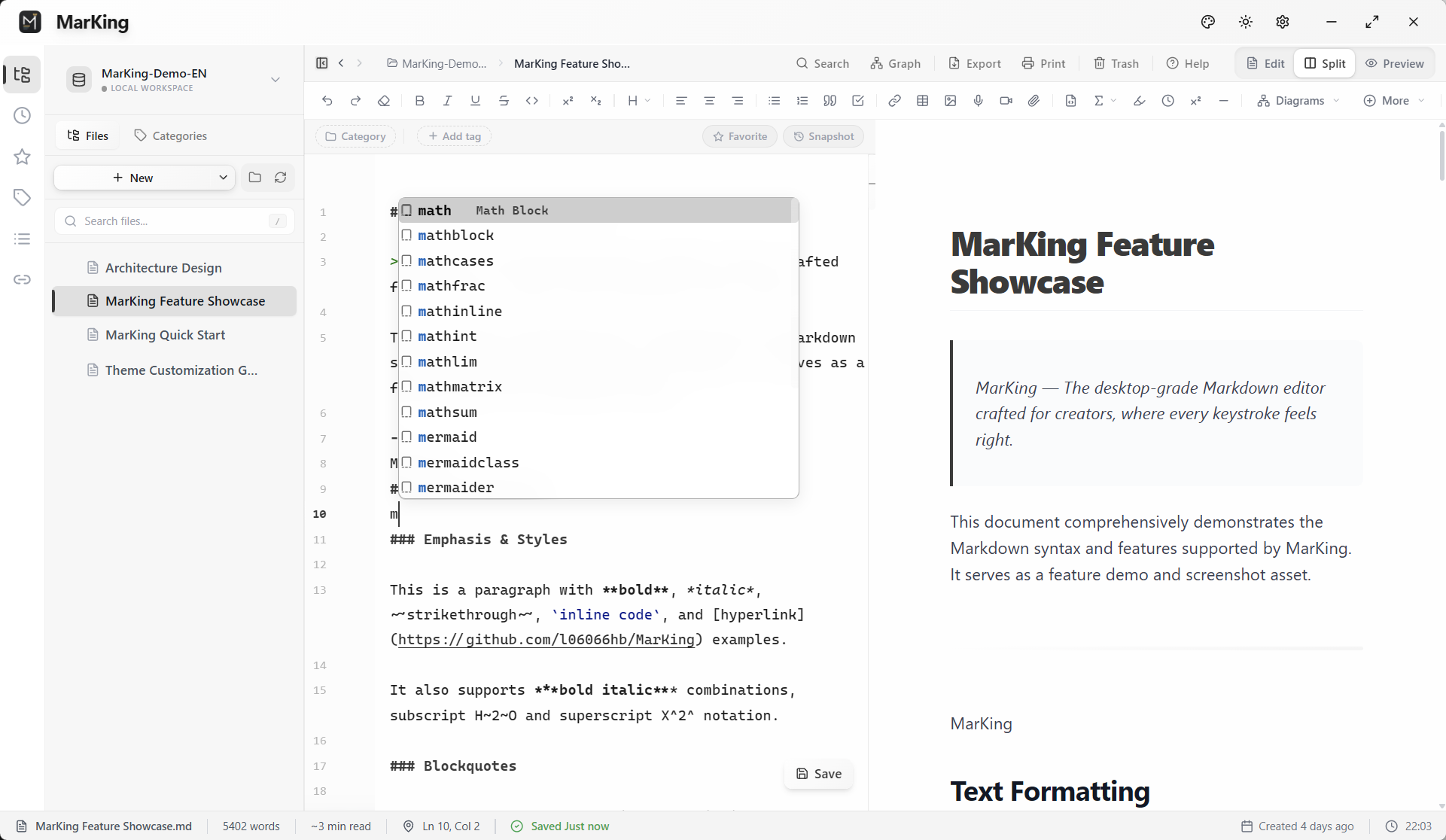
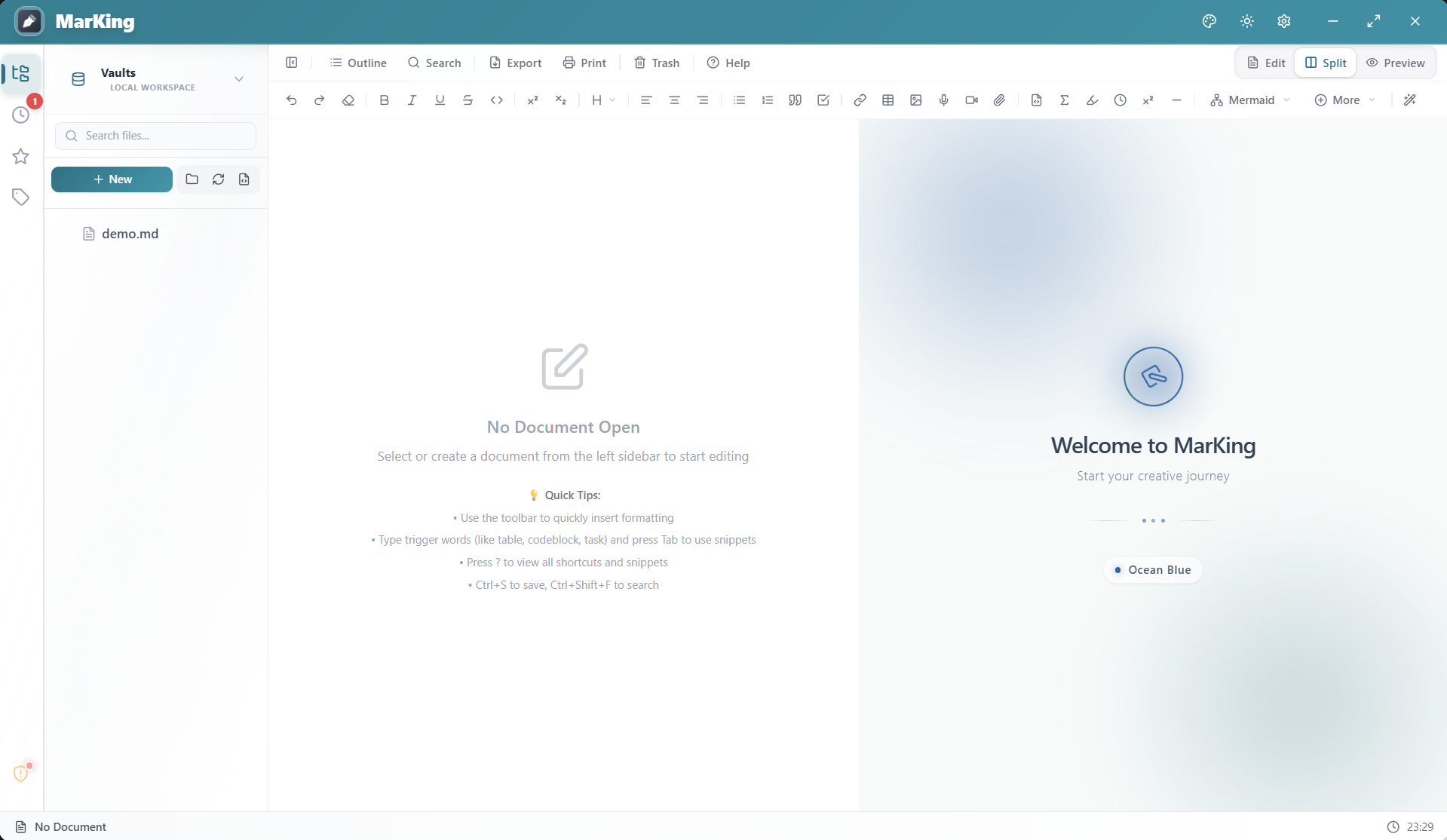
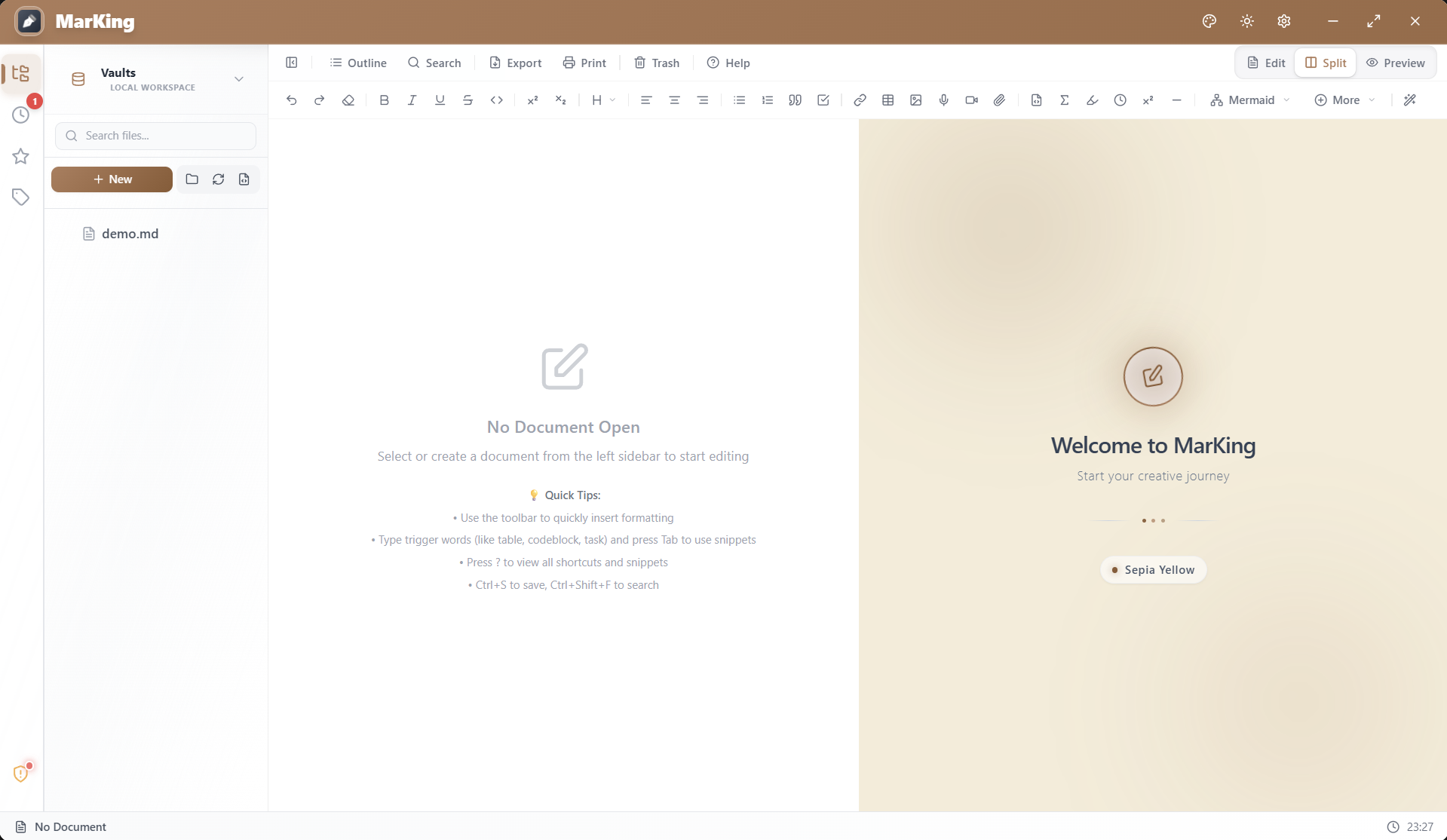
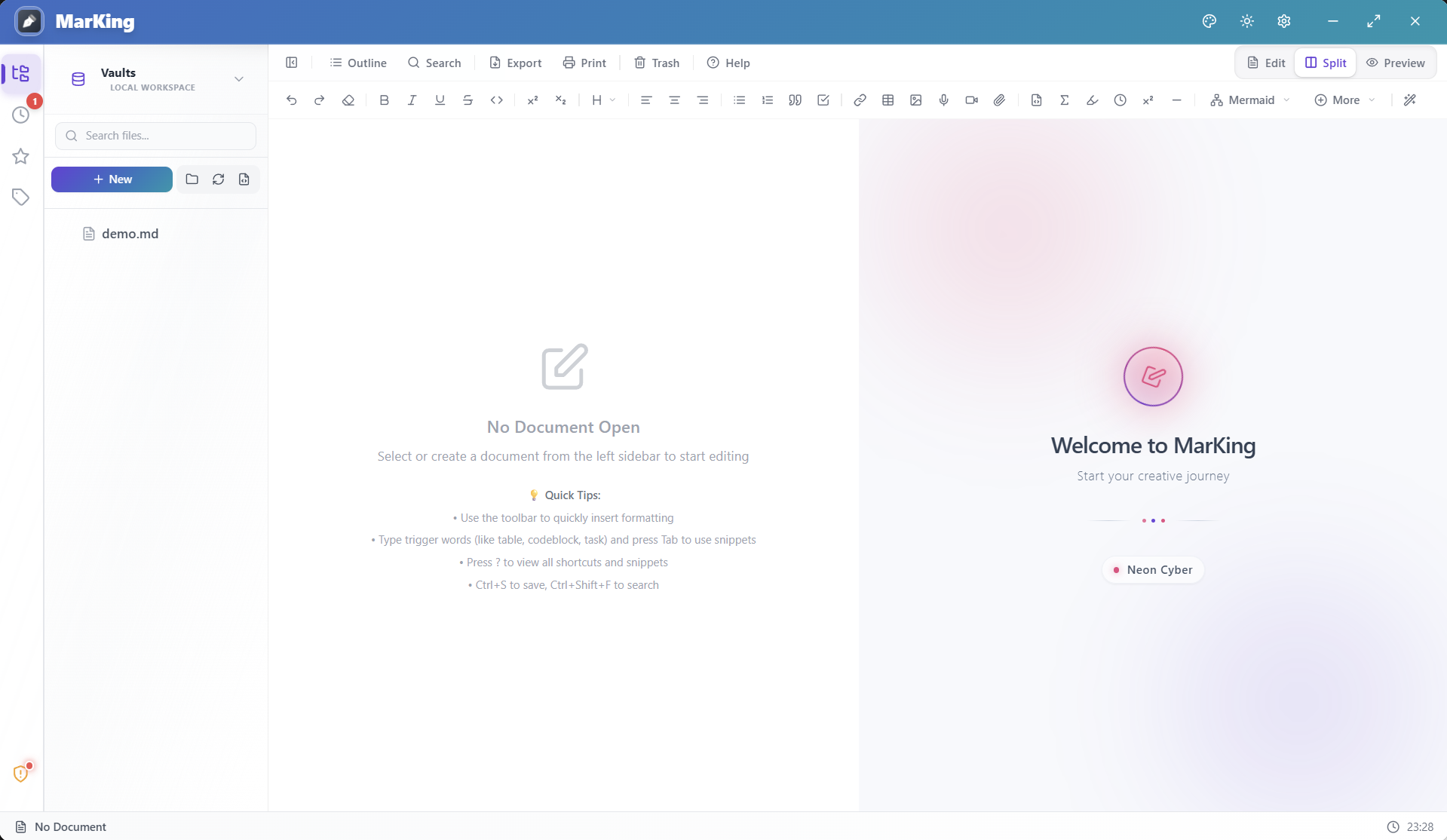
A minimalist toolbar with exquisite glassmorphism and physical-level micro-interactions, 70+ smart code snippets with context-aware completion, smooth scrolling for 100K+ word documents.
Ultra-Lightweight Mode
Frictionless startup for Markdown reading. Instantly opens files with a minimal memory footprint, hiding
all distractions to deliver a pristine viewing and quick-edit experience.
Visual Formula Editor & Cross-Refs
MathLive-powered visual formula editor with virtual keyboard for intuitive math input. Supports \label/\eqref/\ref cross-references with auto-numbering and click-to-jump.
Excalidraw Whiteboard
Embedded hand-drawn style whiteboard for flowcharts, architecture diagrams, and mind maps — making documents more vivid.
Visual Tables & Charts
Drag and edit tables just like Excel. Introducing a modern floating shortcut toolbar for more focused
and elegant interactions. Paired seamlessly with a Mermaid assistant to orchestrate complex
diagrams.
Knowledge Graph
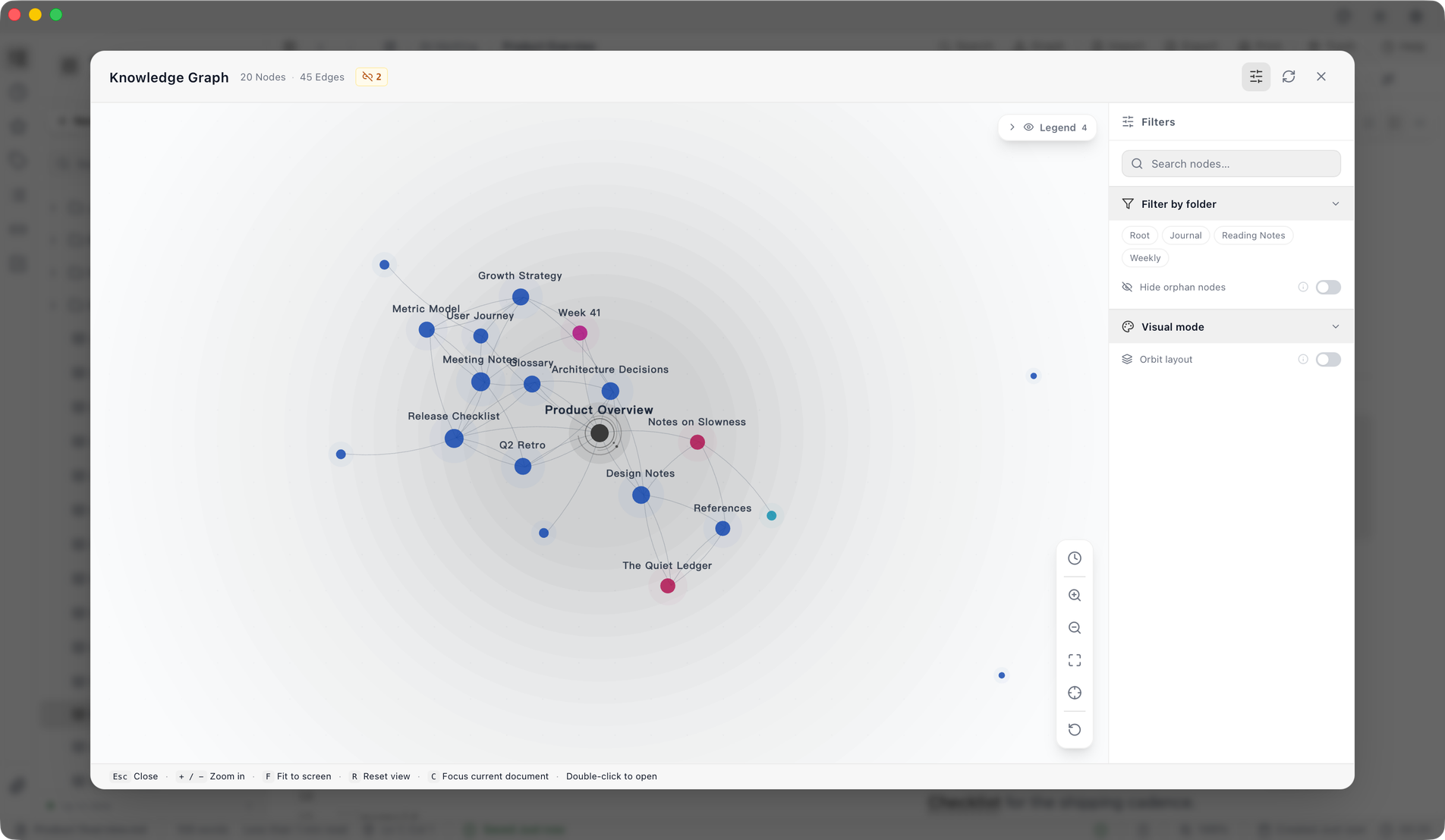
Automatically parses bi-directional links and document references, visualizing your knowledge network with an interactive force-directed graph.
Command Palette
Ctrl+Shift+P to invoke, fuzzy search to reach any feature instantly — a productivity powerhouse for keyboard-first users.
Focus Mode
Hide all panels and distractions with one click, typewriter scrolling keeps your sight on the current paragraph for immersive writing.
MCP Server
Built-in standard protocol server — Claude Desktop, Cursor, Cline and other AI clients can directly read and write your vault: file management, full-text search, metadata operations, and task management.